Saving each page or range of pages in PDF format in MS Word is a very easy task. please follow these steps.
Step 1: Go to the file tab and click on Save as
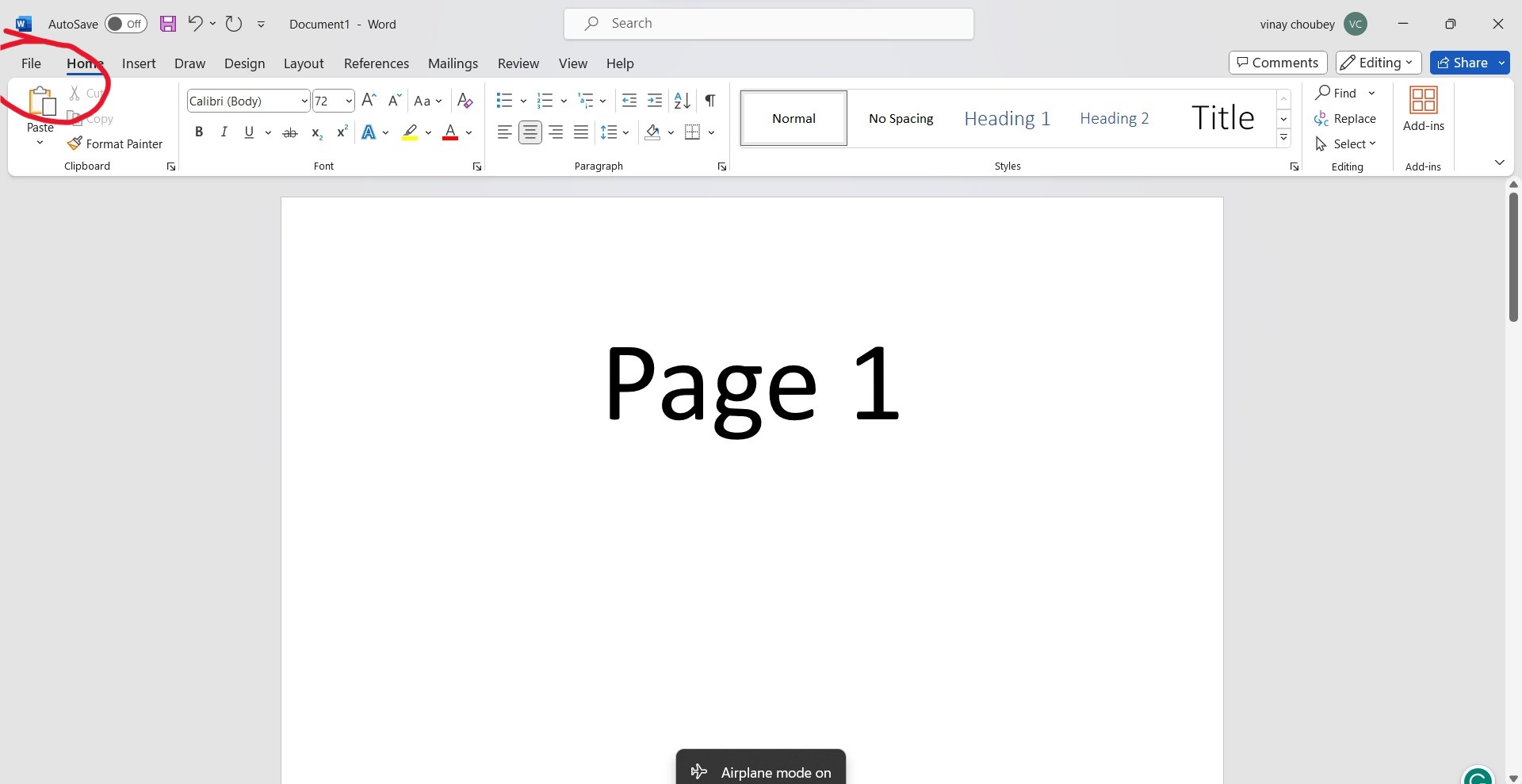
when we click on save as then its offers us the location where we want to save the file we want to save our file in the local computer so click on the browse option.

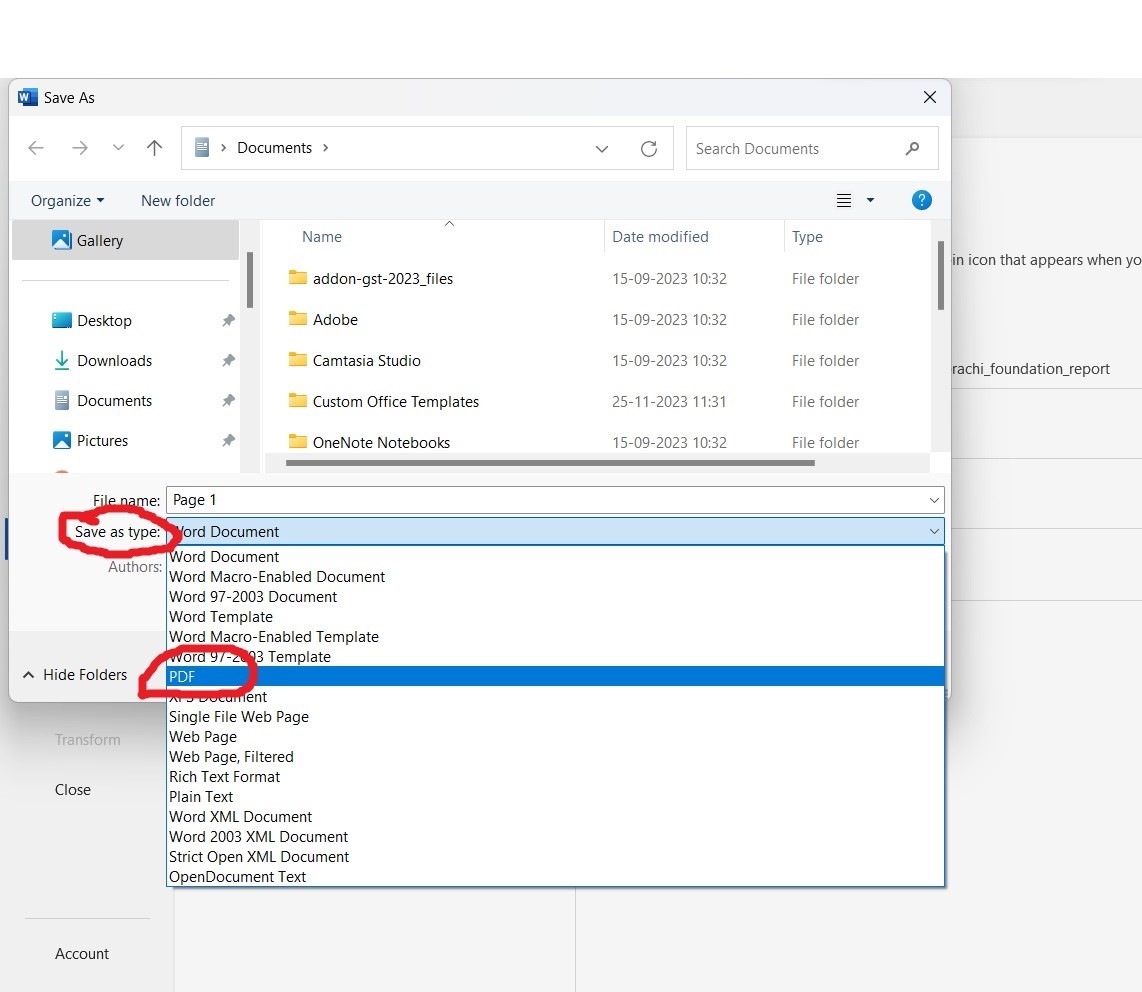
Step 2: Select pdf and select file type in save as dialog box
after clicking on save a dialog box will open where we type our file name and save as type select file type pdf as shown in the figure
Step 3: click on the option and select the range of page
when we click on the option as shown in the given picture another dialog box will open where we can save each page or range of the pages.
after selecting a range of pages click on the ok and finally save the file.
so by following these three steps, we can save each page or range of pages in the pdf format


.jpeg)